
Describe the image you want to create
0/20000Advanced Settings
Tips for better results
- - Be specific about style, colors, and mood
- - Include lighting and composition details
- - Use artistic style references like "photorealistic" or "watercolor"
- - For image-to-image, upload multiple reference images for better results
- - Describe how you want to transform all uploaded images
- - If generation fails, try switching to a different model in the dropdown for different results and fewer restrictions
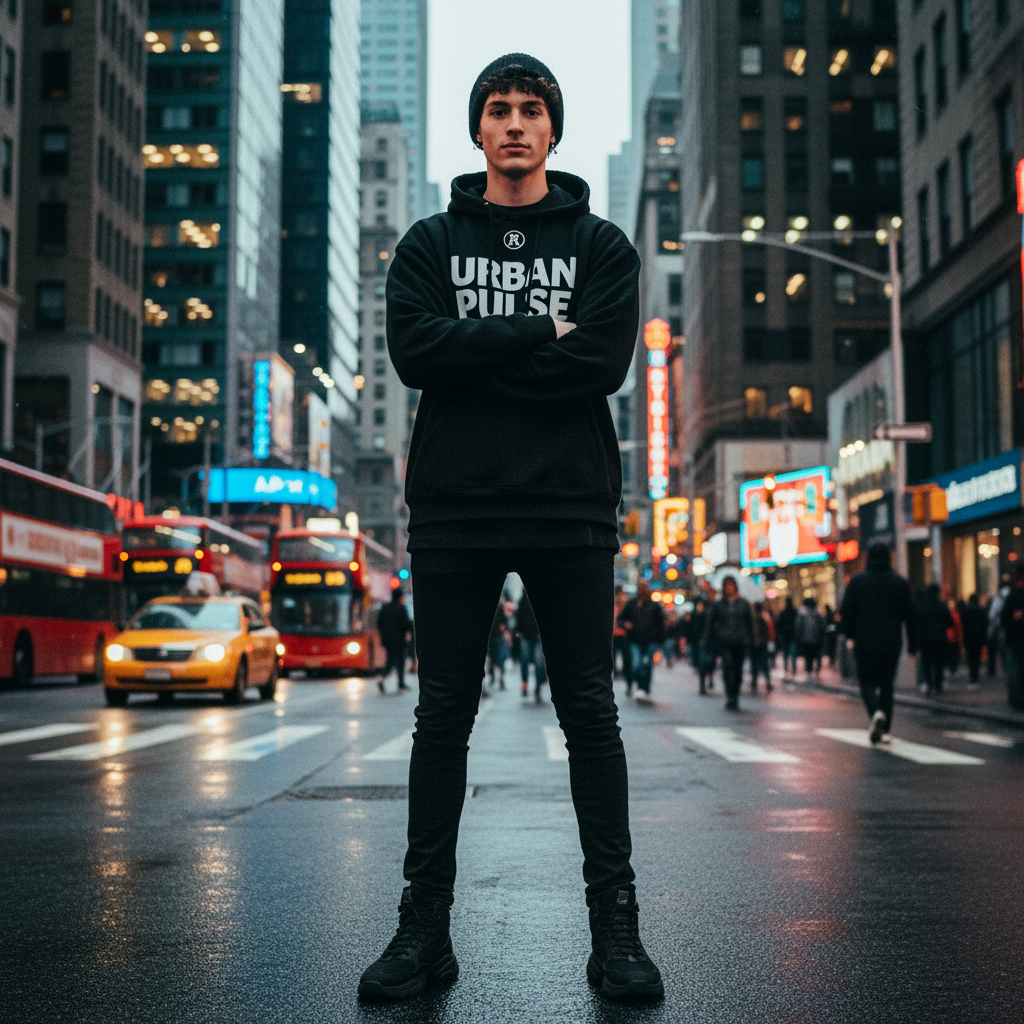
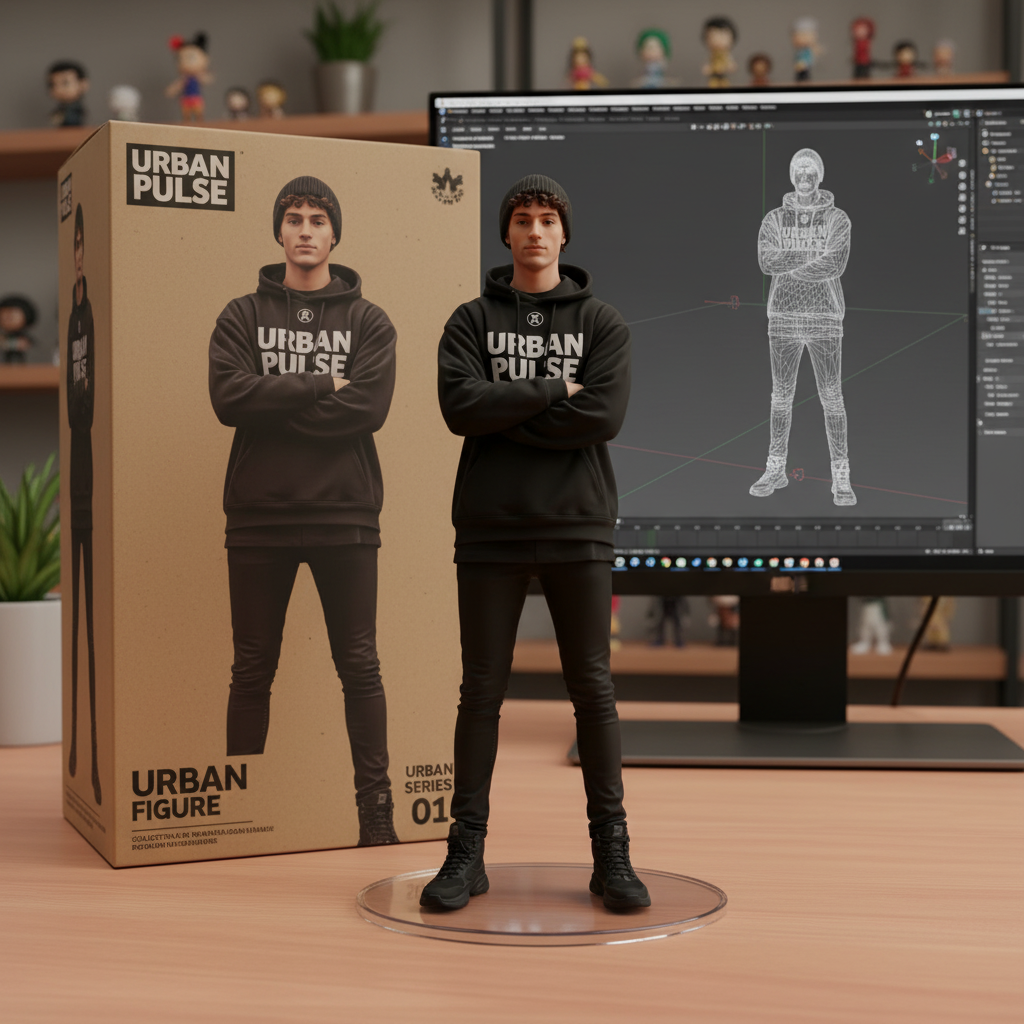
Explore a portrait look with Nano Banana 2.1
See how a wardrobe choice, lighting setup or illustrated treatment might change a portrait. AINanoBanana2 accepts text and image references so you can describe the look, review the face and refine the next request.
Build the look around a clear subject
Explain the person, the styling decision and the visual mood as separate parts of your request.
Write a styling brief
Describe the pose, expression, outfit, crop and light. A prompt is required even when you provide a portrait; its 20,000-character limit allows room to distinguish desired changes from details to retain.
Assign a role to every reference
Use a portrait for the subject, an outfit photo for clothing and another image for the mood. Up to 14 JPEG, PNG or WebP files are supported, with each file limited to 30 MB.
Choose how much of the look to show
A 3:4 composition can frame a seated portrait; 2:3 can give a full outfit more space. Select from Auto and 14 fixed ratios, then set 1K, 2K or 4K and JPG or PNG.
A place to compare styling directions
A portrait brief often starts with a question: softer window light or a dramatic studio look, a tailored jacket or a relaxed knit? Use Nano Banana 2.1 on AINanoBanana2 to make individual visual studies you can compare.
References guide a request without guaranteeing a perfect identity match. Faces, expressions, hands, accessories and clothing can change. Check these details before choosing a portrait or reusing it as a character reference.
Separate face, clothing and atmosphere
When references have different roles, spell them out. Asking for the face from one image and the jacket from another is clearer than leaving their relationship unexplained.
Compare deliberate revisions
Change a single styling decision between requests and keep notes on the prompt and settings. This helps you judge which direction works, even when the generated person varies.
Make a look you can assess
Framing, file choice and cost all affect how you compare portrait candidates.
Set a budget for each experiment
On AINanoBanana2, a 1K portrait costs 2 credits, a 2K image costs 4, and 4K costs 6. Adding outfit or character references has no separate charge.
Give clothing room in the composition
Describe whether you need a head-and-shoulders crop or a full-length view. Match the ratio to that choice so you can assess the face or the complete silhouette.
Review at the intended size
Export a completed JPG or PNG and inspect facial features, hands, seams and jewelry. Use the file format your next layout needs; PNG alone does not request transparency.
Try a wardrobe study or a character treatment
These are prompts for exploration, with a different review task for each result.
Compare a portrait with a knit outfit
Upload a portrait and a cardigan reference, then select Image to Image and 3:4. Prompt: “Use image 1 for the person and pose. Replace the top with the rust-colored cardigan from image 2. Keep the window light and simple background.” Compare facial features, neckline and the way the sleeves meet the hands.
Develop an illustrated character reference
Supply your character sketch and choose 2:3. Prompt: “Show this adult explorer standing in a relaxed pose, wearing a navy field jacket, rolled trousers and a small canvas satchel. Use muted watercolor washes and a pale background. Keep the sketch’s round glasses and short curly hair.” Check the clothing and identifying details before using it to guide another image.
Work from a portrait question to a chosen direction
Decide which part of the appearance you want to evaluate first.
Choose the subject and references
Start with a text description or add a portrait in Image to Image. Identify separate outfit or mood references in the required prompt.
Set the crop and generation options
State the visible body area and intended change. Check the selected 2.1 model, ratio, resolution, JPG/PNG format and displayed credit price.
Review the person as well as the styling
Sign in and generate, then examine the face, anatomy and garment details. Download your choice or revisit the task in My Creations before planning the next variation.
Portrait and styling answers
What references can guide, which settings to choose and how credits work.
How are portrait and outfit studies priced?
Each AINanoBanana2 generation costs 2 credits at 1K, 4 at 2K, or 6 at 4K. The price is based on resolution; using portrait, outfit or mood references adds no separate fee.
What can I upload as a character or clothing reference?
JPEG, PNG and WebP images are accepted, up to 14 references in a request and 30 MB per file. Publicly accessible HTTP or HTTPS image URLs work under those same limits. Describe whether each image should guide the subject, clothing or visual treatment.
Which crops are available for portraits?
Choose from 15 ratio options: auto, 1:1, 2:3, 3:2, 1:4, 4:1, 3:4, 4:3, 4:5, 5:4, 1:8, 8:1, 9:16, 16:9 and 21:9. Resolution is selected independently as 1K, 2K or 4K.
Can I rely on the same identity after changing an outfit?
No exact identity match is promised. State the features to retain in the required prompt, which can contain up to 20,000 characters, and inspect the output against the reference. Clothing, hands and facial details may need another revision.
What does a new portrait request start with?
New Nano Banana 2.1 settings start at 1K, Auto ratio and JPG; you can choose PNG and adjust the other options. This is a separate model option from Nano Banana 2. There is no Google Search setting for 2.1.
What if a styling generation does not complete?
A task confirmed as failed has its generation credits refunded. A slow reply or a temporarily unavailable status check is not sufficient to mark it failed. Recheck the existing task to see its current state.
Choose one look to explore next
Bring a portrait, an outfit idea or a character sketch. Describe the change you want to see, then assess both the styling and the person in the result.